Haven't got the manual to hand, misplaced it or lost it? Then download it here conveniently and easily as a PDF.
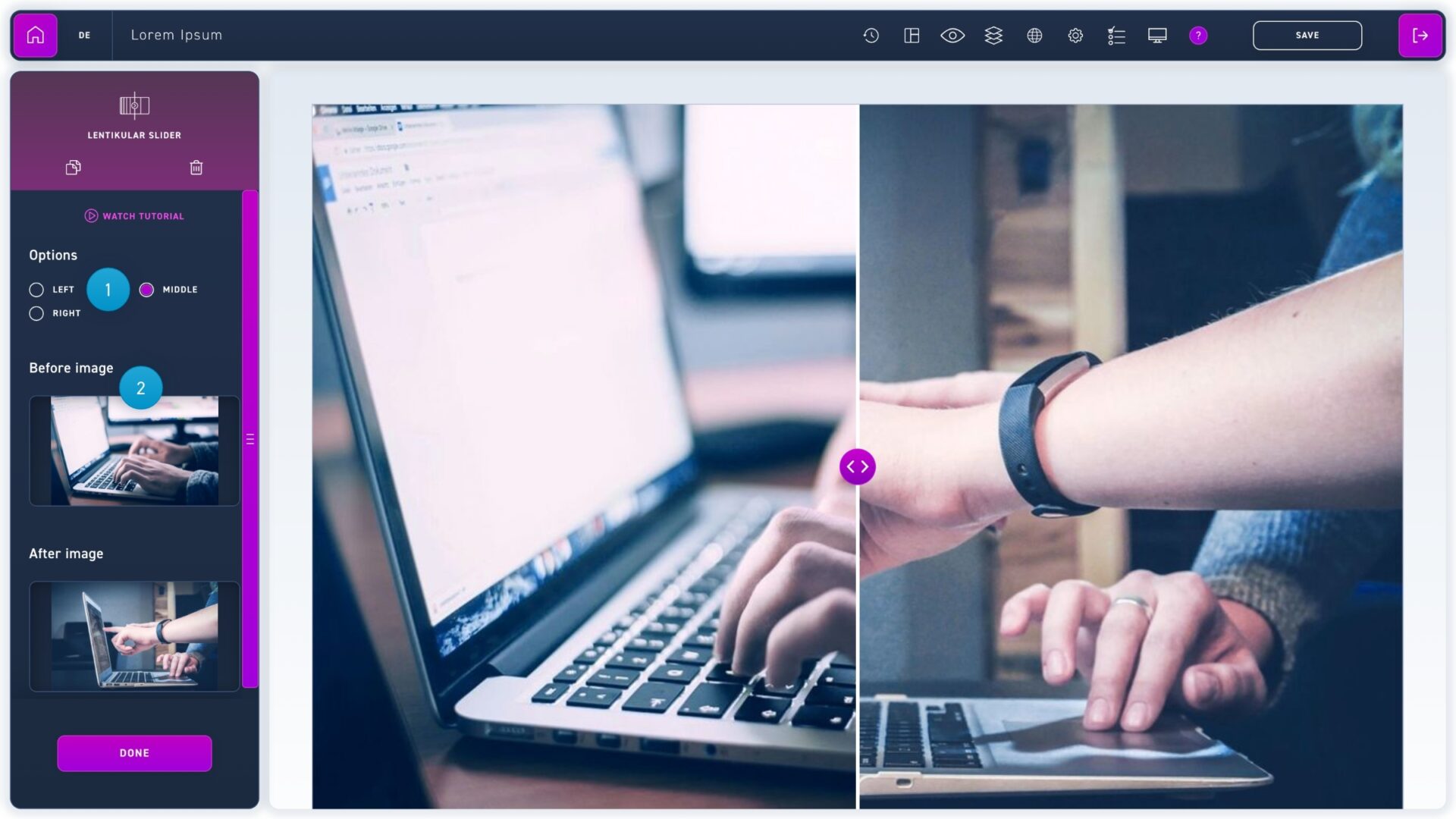
The lenticular slider merges two images you select. The user can then switch back and forth between the images using the slider. This element is particularly suitable for before and after scenarios.