How can we help you?

Haven't got the manual to hand, misplaced it or lost it?
Then download it here conveniently and easily as a PDF.

Download PDF

Categories

Watch a short video

step by step

Categories can be edited in the media library or WBT overview.
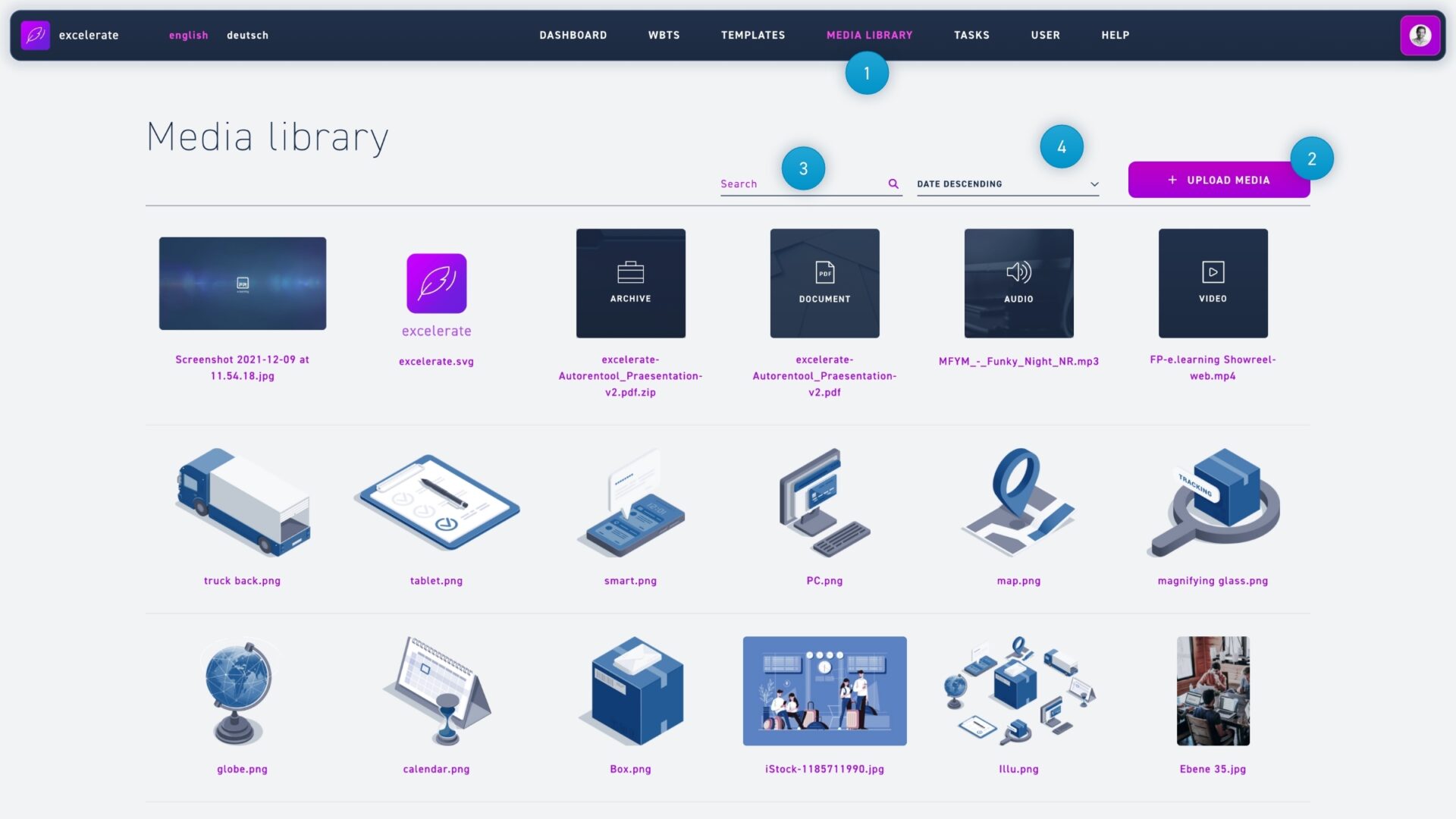
  1. Click on the menu item media library.
  2. Click the Edit Categories button.
  1. Write the name of your category in the text field and confirm with the Plus button or by pressing ENTER.
  2. Click and hold the mouse button on the Move icon to move one category to another and make it a subcategory.
  3. Select teams from the dropdown menu that should have exclusive access to the categories.
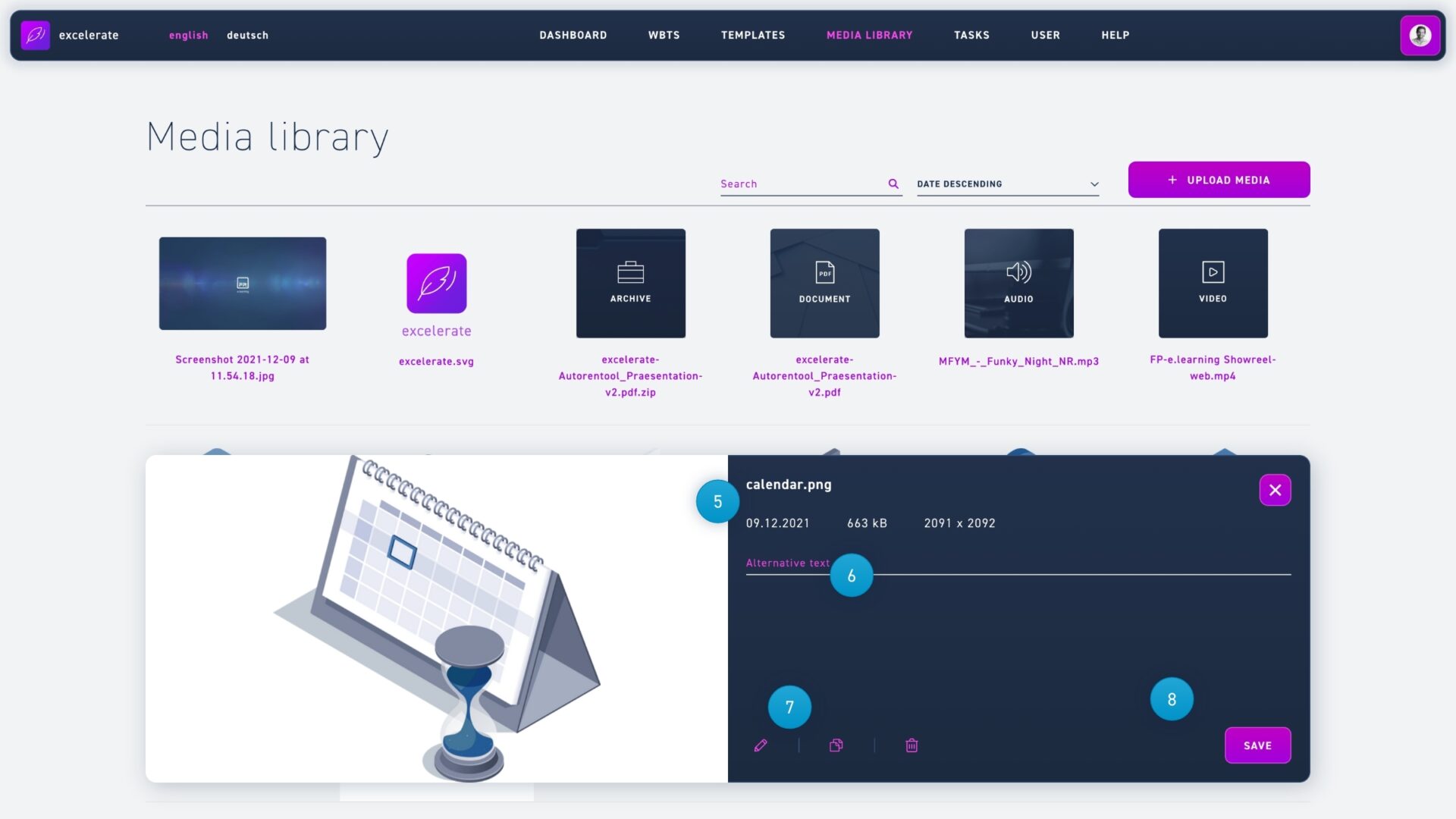
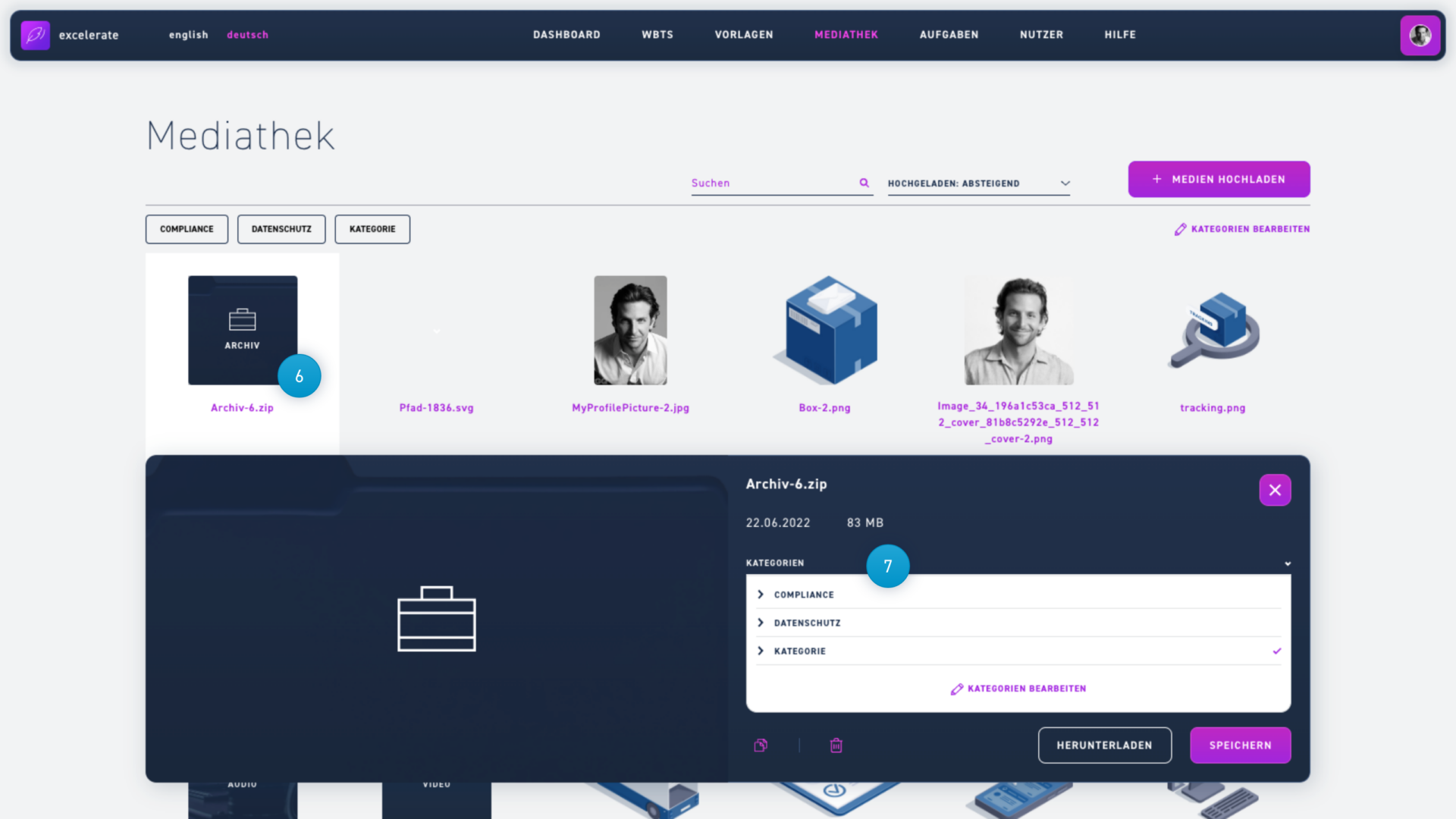
  1. Click a file in the media library to open the information window.
  2. Select one or more categories from the drop-down menu.
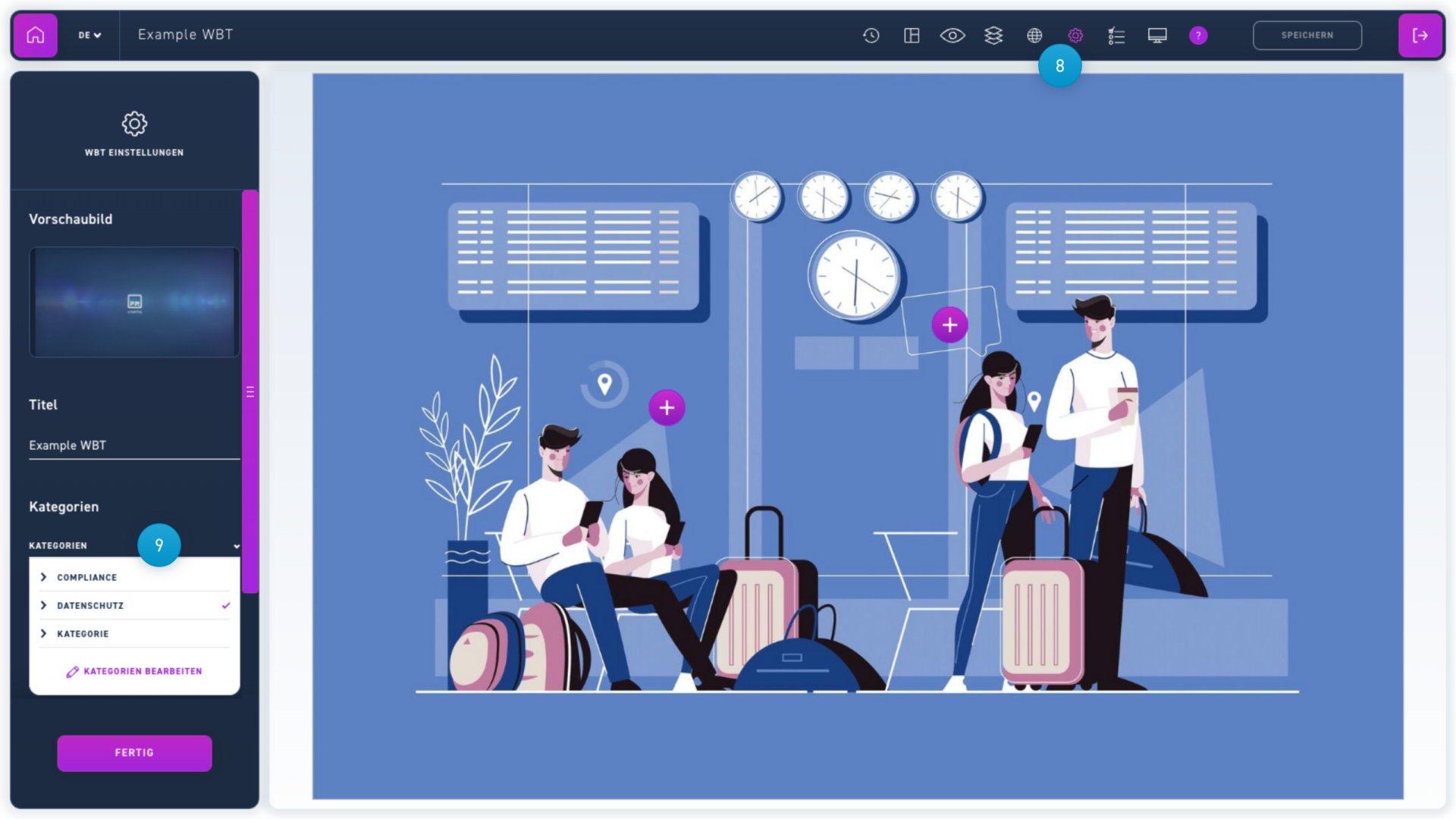
  1. To add a WBT to a category, open the WBT settings.
  2. Open the drop-down menu and select the appropriate categories.
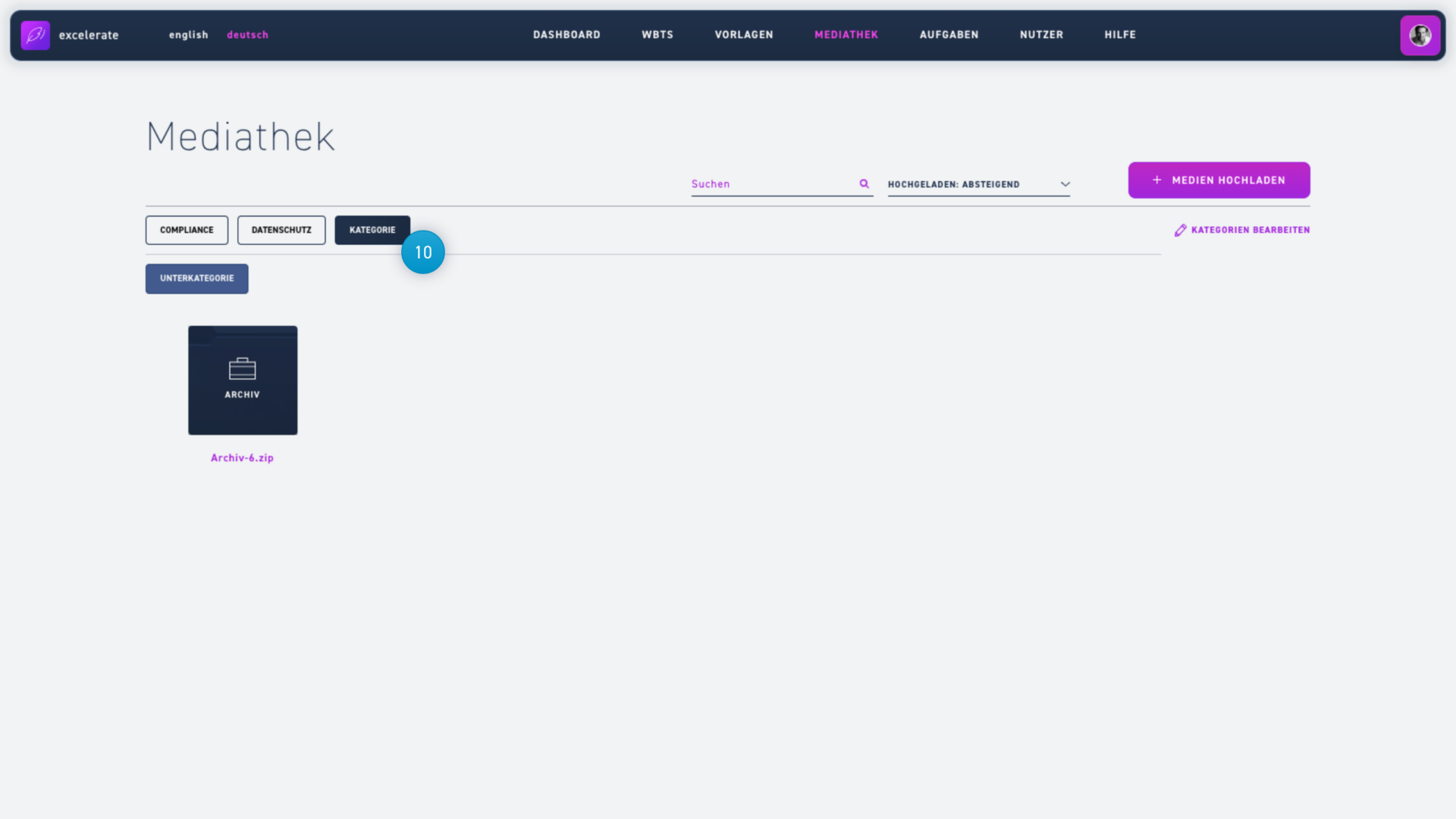
  1. Click a category to filter the media. Subcategories appear in a new row when their parent category is selected.