Haven't got the manual to hand, misplaced it or lost it? Then download it here conveniently and easily as a PDF.
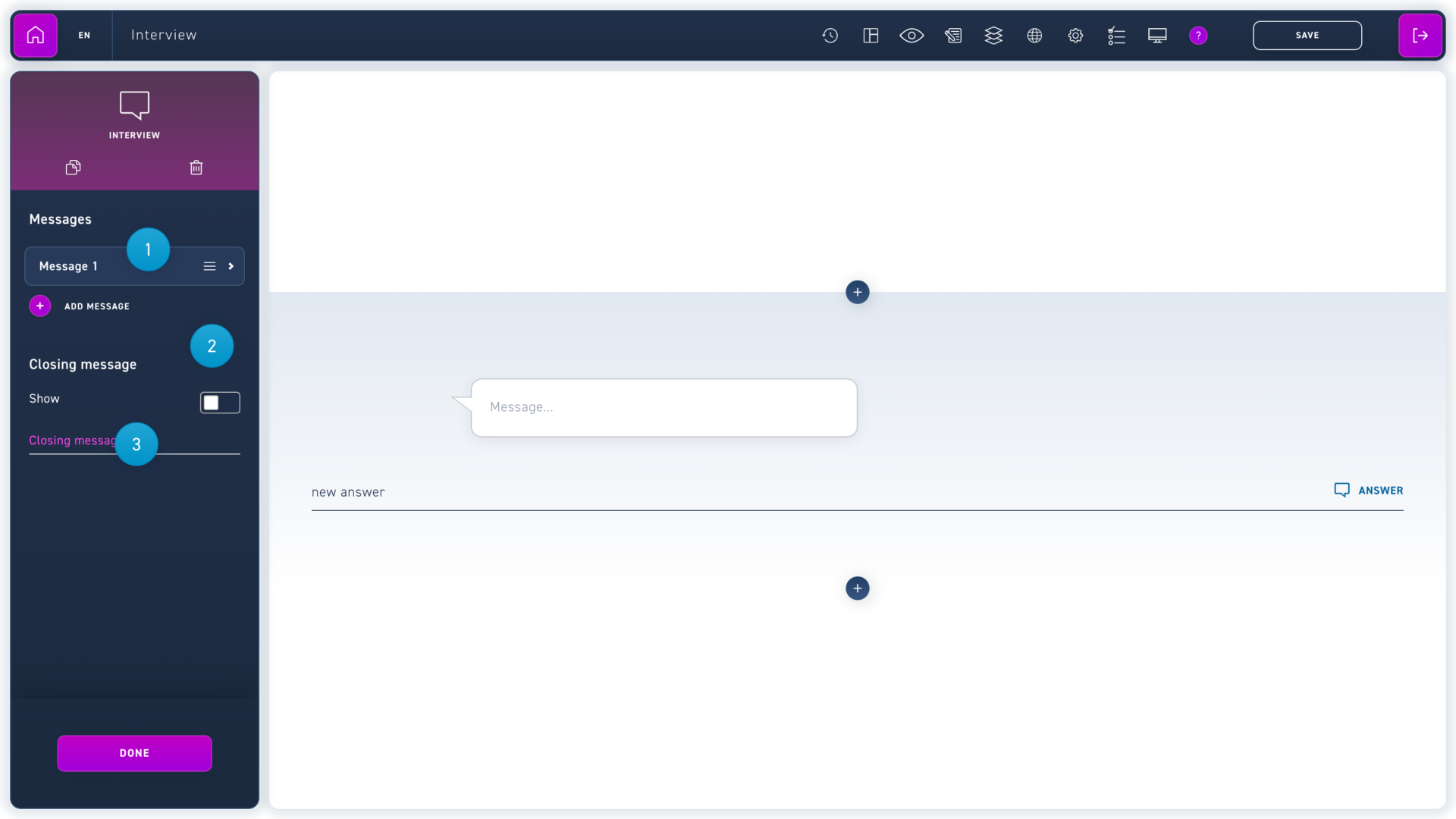
Click on a message to change its content or write your desired text directly into the speech bubble.
Create a new message with the add message button.
Activate the option Closing message if you want the learner to receive a closing message without a reply option.