How can we help you?

Haven't got the manual to hand, misplaced it or lost it?
Then download it here conveniently and easily as a PDF.

Download PDF

Preview

Watch a short video

Step by step

Click on the eyes symbol to open the preview. Here you can try out the quizzes and test the WBT from the learner's point of view.
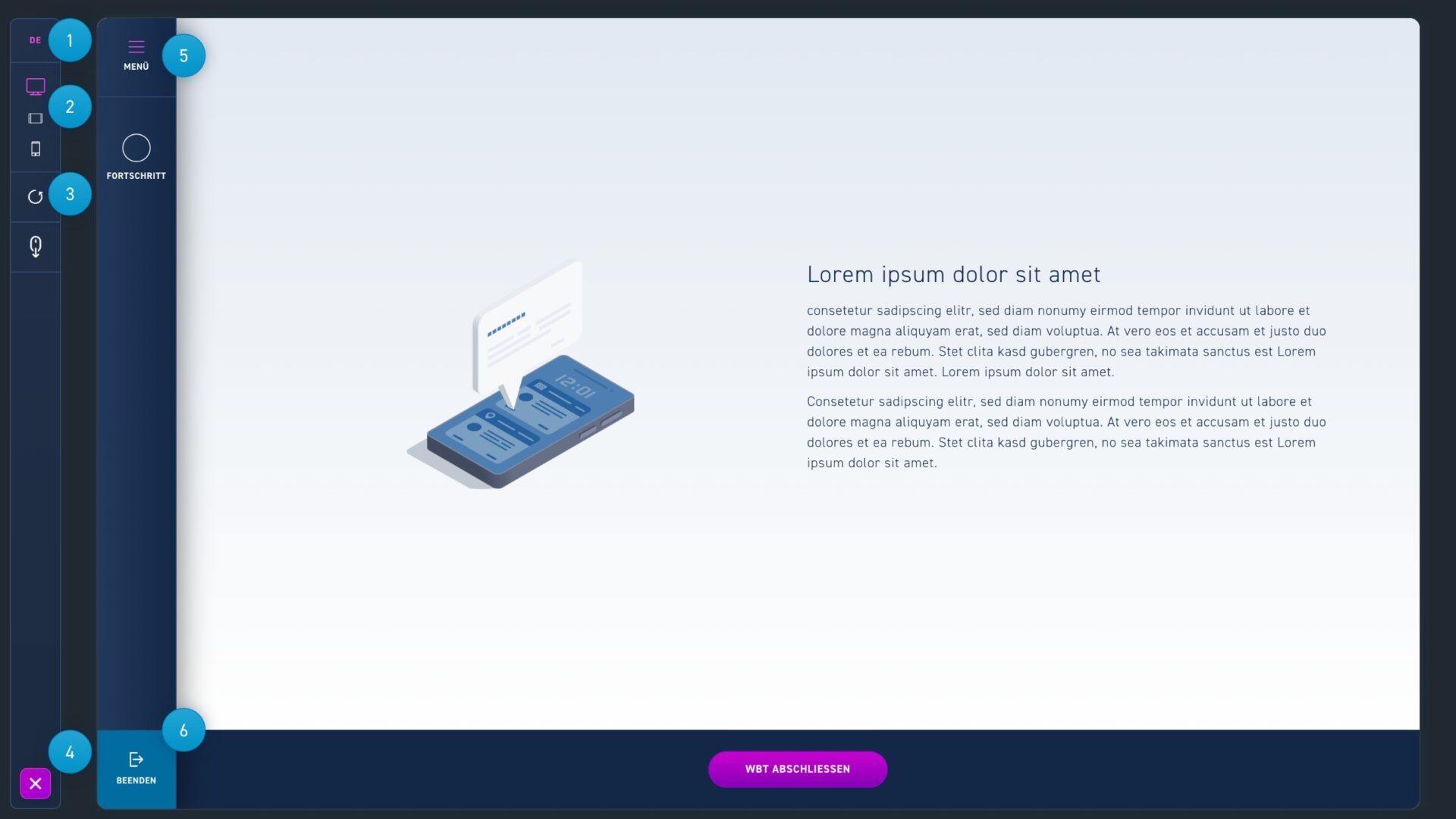
  1. Change the language of the WBT.
  2. Switch between the different display sizes desktop, laptop and smartphone.
  3. Reset the WBT to complete quizzes again.
  4. Exit the preview by clicking on the X icon.
  5. Click menu to view the WBT menu.
  6. The exit button is for preview only and has no function in excelerate.