How can we help you?

Haven't got the manual to hand, misplaced it or lost it?
Then download it here conveniently and easily as a PDF.

Download PDF

Flashcards / Memorycards

watch a short video

STEP BY STEPĀ 

Offer your learner a classic learning method with the flashcard element.
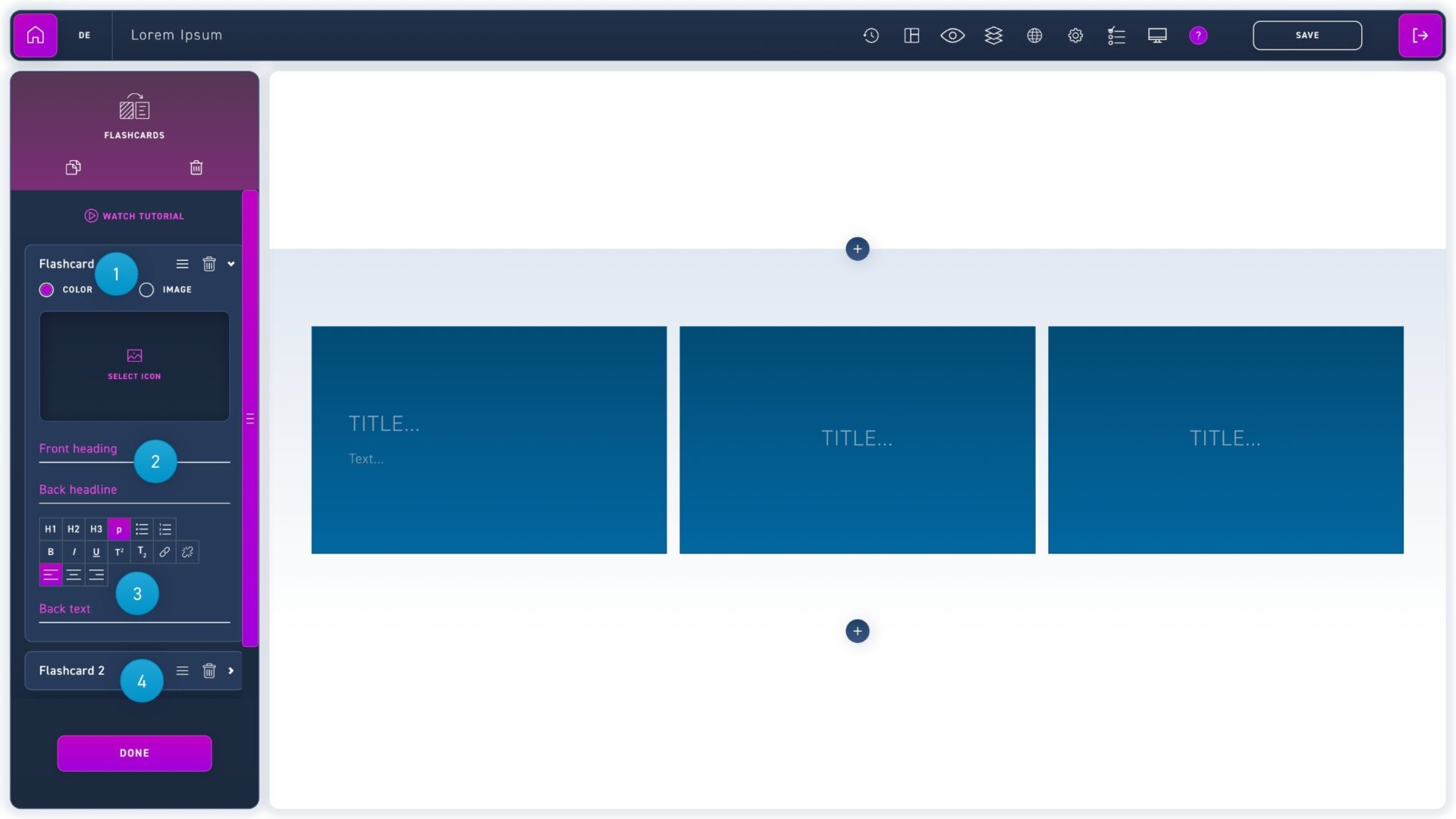
  1. Use the radio buttons to choose between a text/icon combination or an image.
  2. Enter a title for the front and back.
  3. Add a continuous text for the back side.
  4. Edit, move and delete flashcards using the corresponding icons in the edit box.