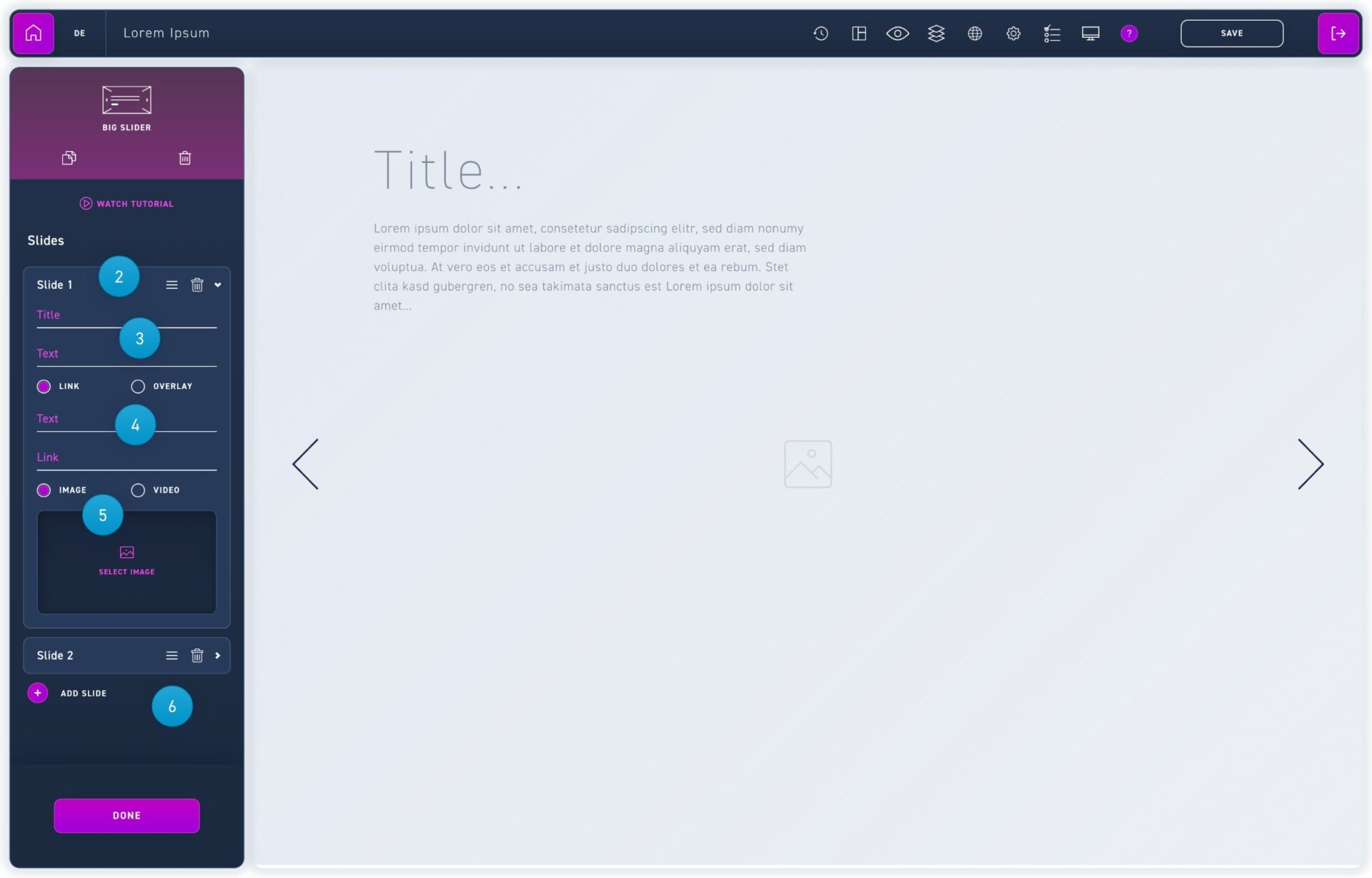
The big slider is perfect for introducing a WBT in a vivid way.
Drag the big slider element from the element box into an empty module. Important: In order for the big slider to be displayed in its entirety, there musn't be any other element in the same module.
Click on a slide in the edit box to edit it. You can delete slides with the trash can icon. Hold down the mouse button on the dash icon to move slides into the desired order.
Enter your headline and body text in the corresponding fields in the edit box or click on the text areas in the editor.
You can choose between an external link or an overlay. You can change the text button in the caption field.
FFor the background area you can choose between an image and a video.