How can we help you?

Haven't got the manual to hand, misplaced it or lost it?
Then download it here conveniently and easily as a PDF.

Download PDF

Text

watch a short video

step by step

Text elements can be headlines or body text. Multi-column texts can also be created. For more information, see "multi-column text and image elements".
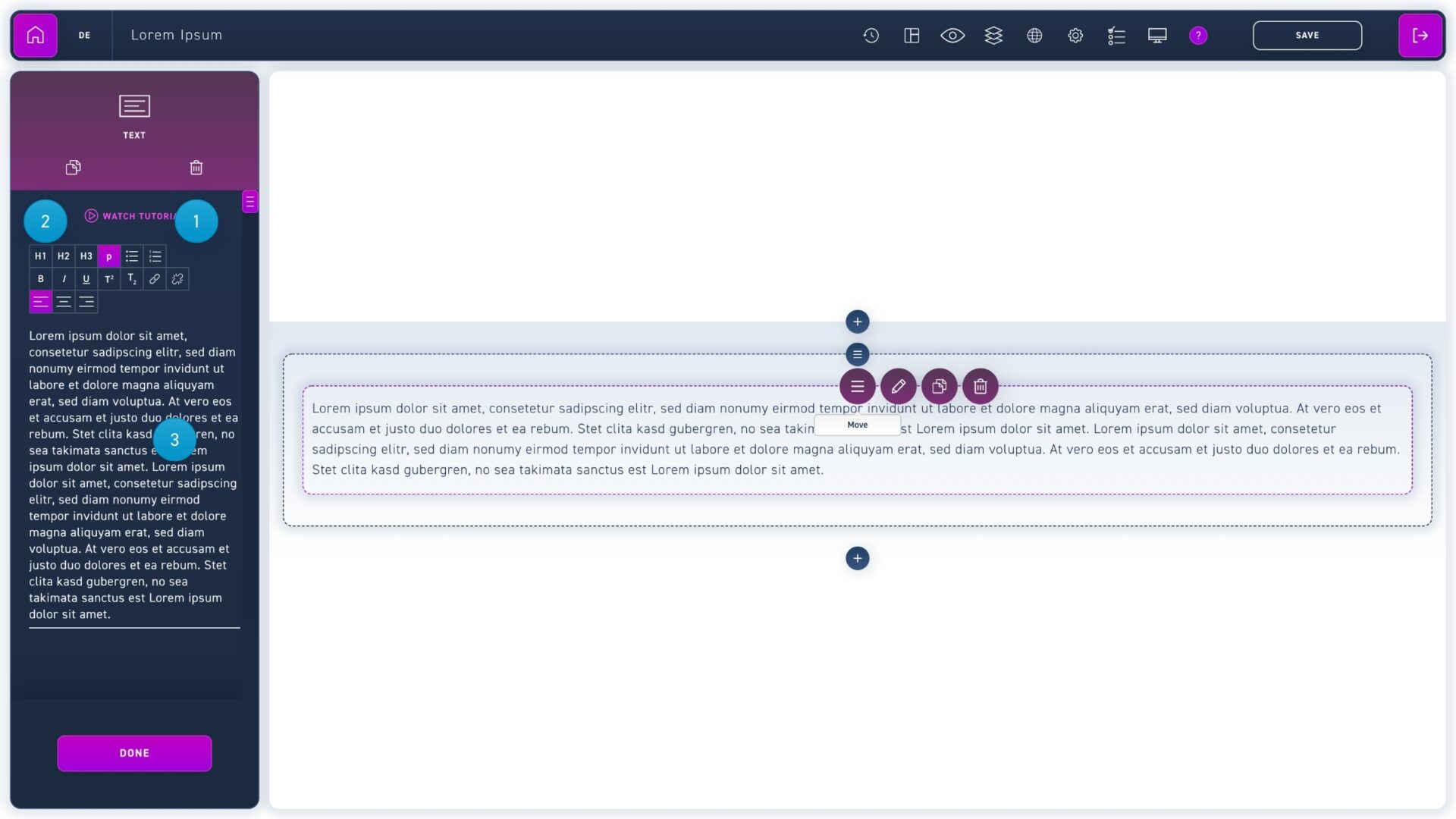
  1. Click on a paragraph in the edit box to format it and then select an option from the first row (headlines, body text, lists).
  2. Select a text passage in the edit box and click options in the second row (bold, italic, underlined) to emphasize individual words.
  3. Text can be inserted either directly over the element or in the text field of the edit box.