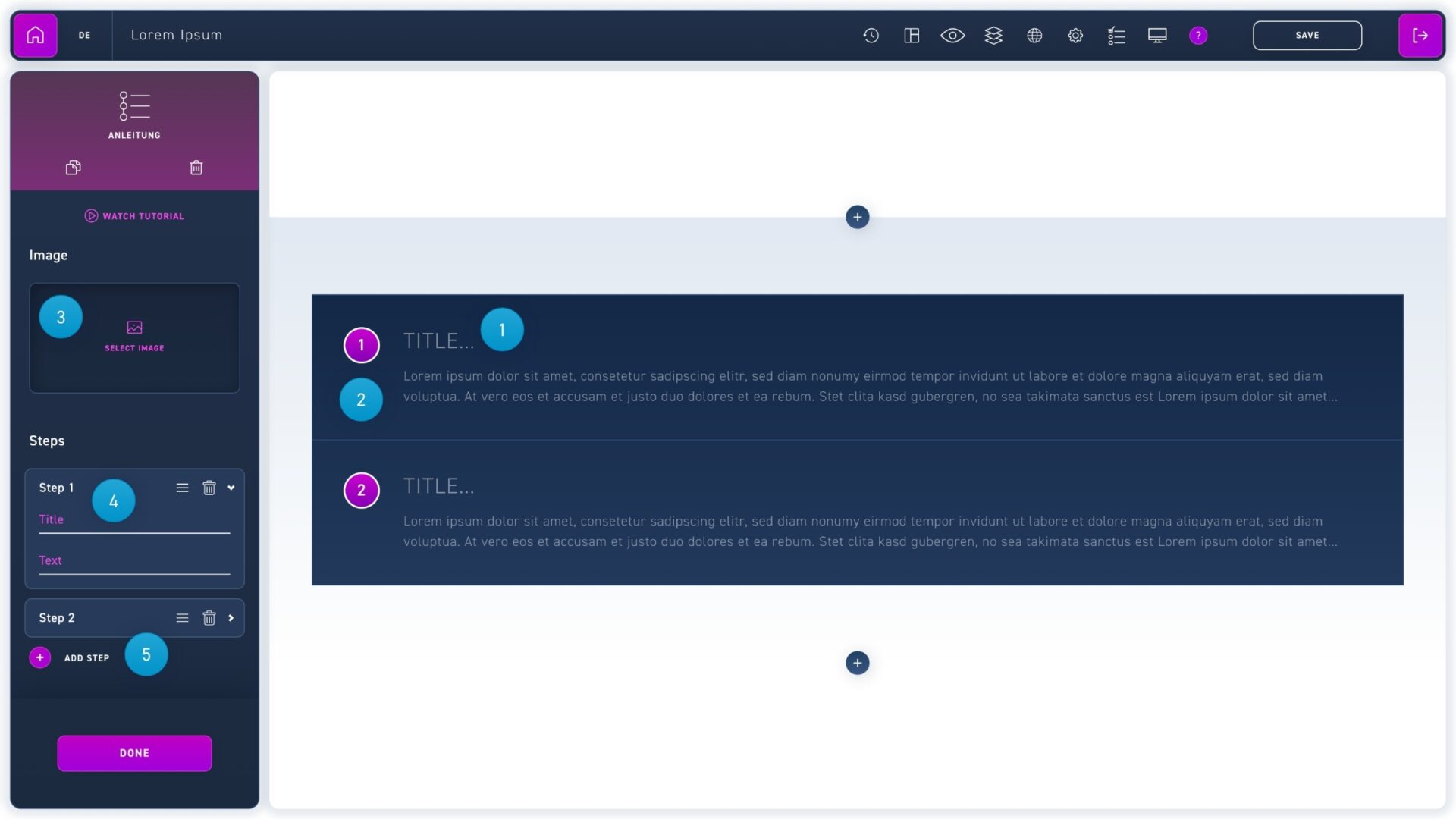
The tutorial is visually similar to the hotspot element, but places the corresponding texts under the image. This makes the element perfect for step-by-step tutorials.
Enter a headline in the title text field.
Paste the body text into the text field below.
Click the select image area and insert your image to add a picture.
If you want to move or delete steps, you can do it with the icons in the edit box.
Click the add steps button in the edit box to add steps.