How can we help you?

Haven't got the manual to hand, misplaced it or lost it?
Then download it here conveniently and easily as a PDF.

Download PDF

Image

watch a short video

step by step 

Images can be included as a single element or be part of another element.
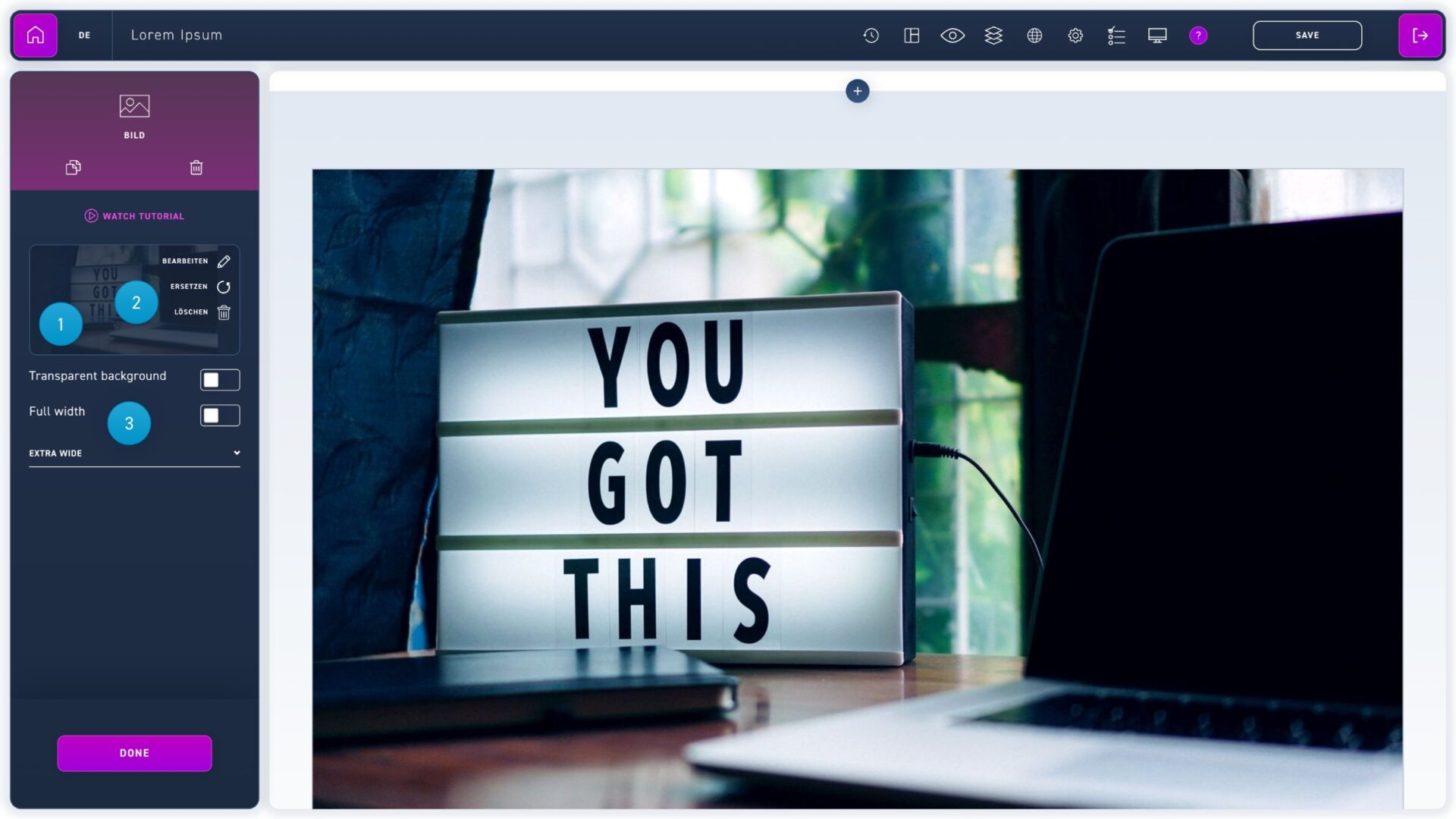
  1. Click the select image button to open the media library. Select an image and confirm with the button at the bottom right. 
  2. Move the cursor over the image area in the edit box and click the desired option to replace or delete an image.
  3. To change the width of an image, use the drop-down menu below the image area.