With the chapter element you can subdivide your WBT. The different chapters are displayed to the learner in the menu on the left side. There they can also see their progress.
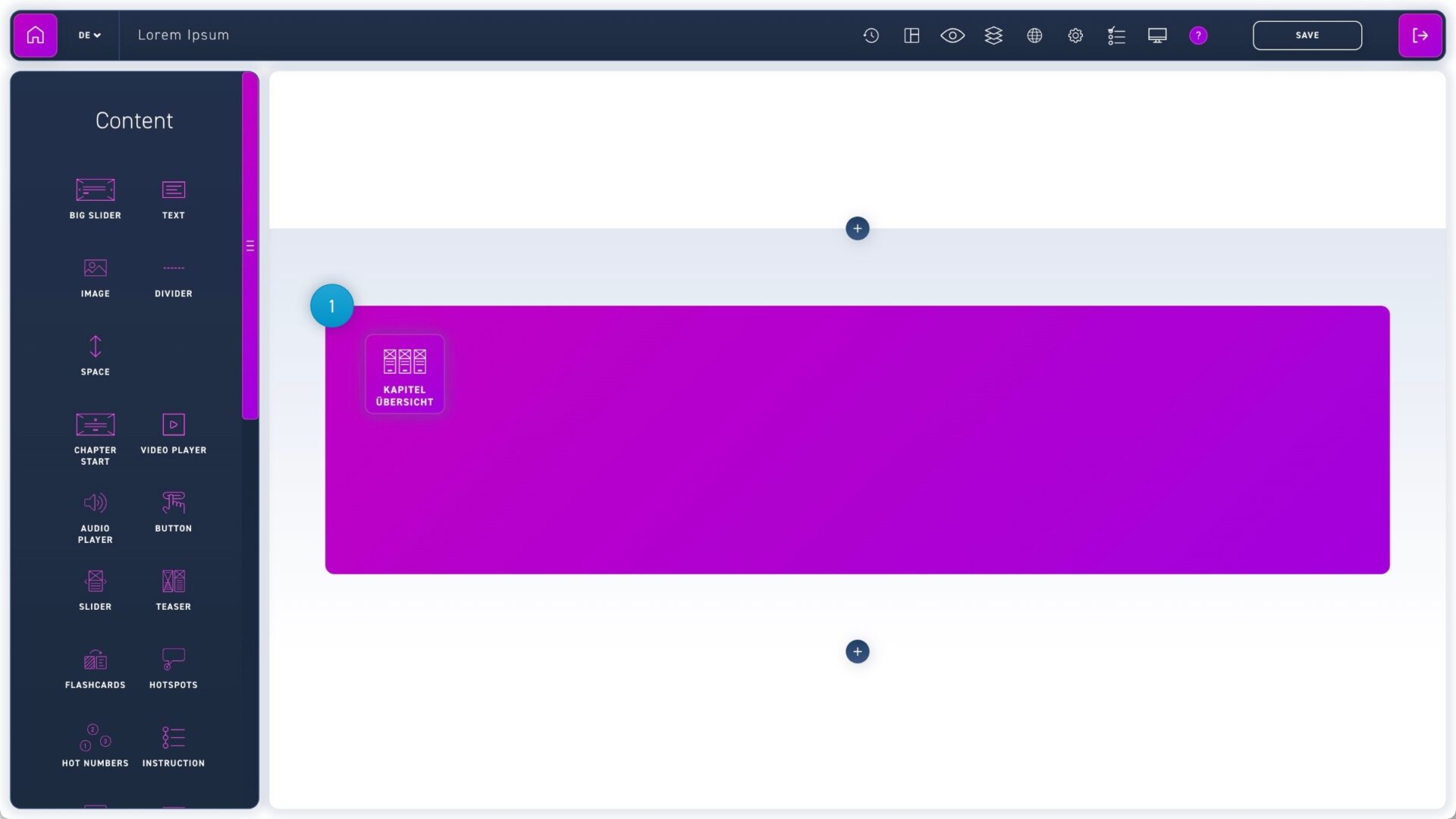
Drag the chapter overview element to the desired module.
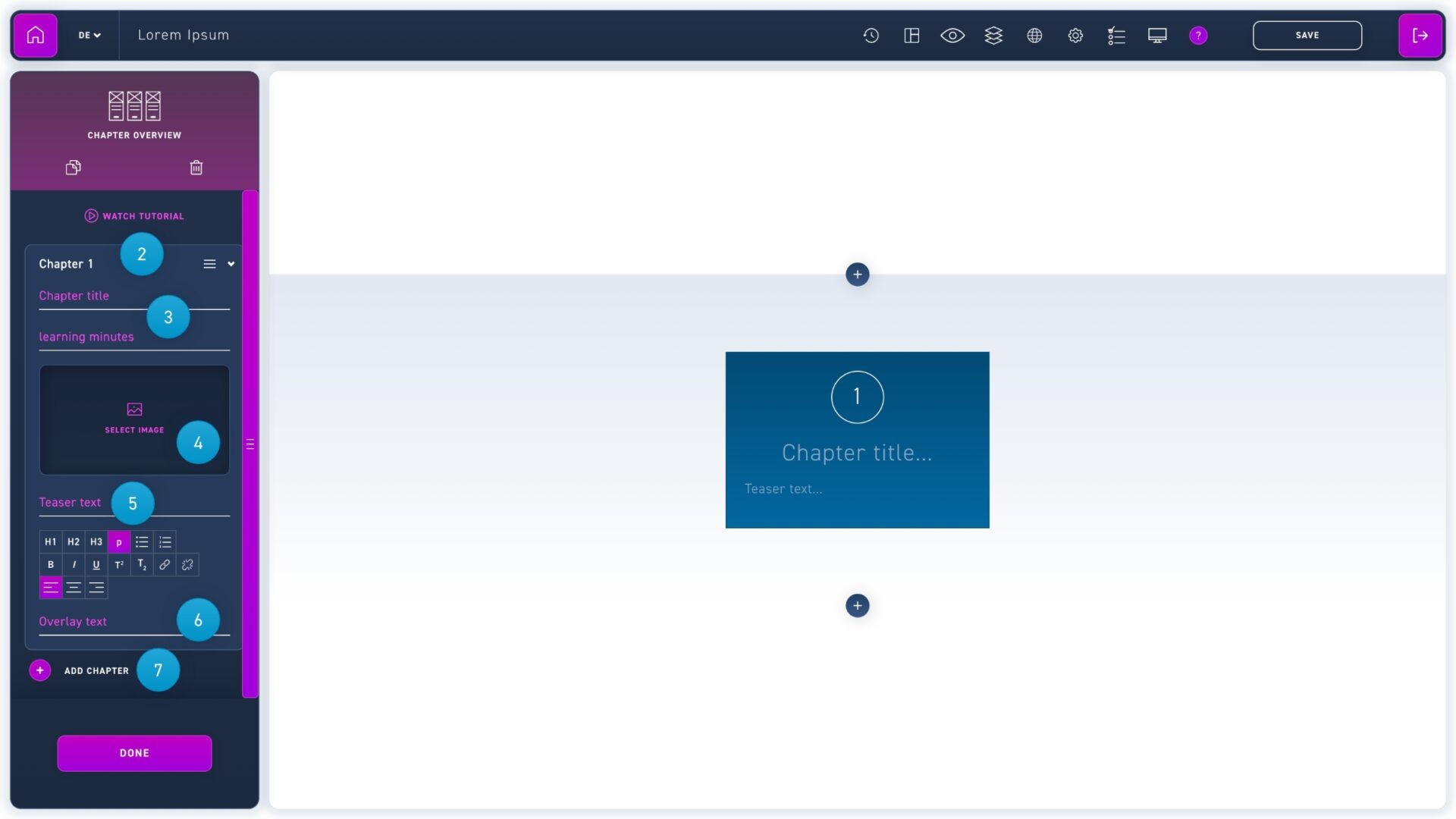
Click on a chapter in the edit box to insert your content. Click and drag the move icon (to the left of the arrow) to change the order of the chapters.
Enter the chapter title and its duration. The chapter duration is displayed in the expanded menu. Open the preview to see it.
Insert a picture. The same image will be used automatically for the chapter slide.
Enter the teaser text. It will be displayed in the chapter overview and the chapter slide.
You have the possibility to add an overlay to your chapter teaser. Enter text in the overlay text field and format it if you want.
Click the add chapter button to create another chapter.
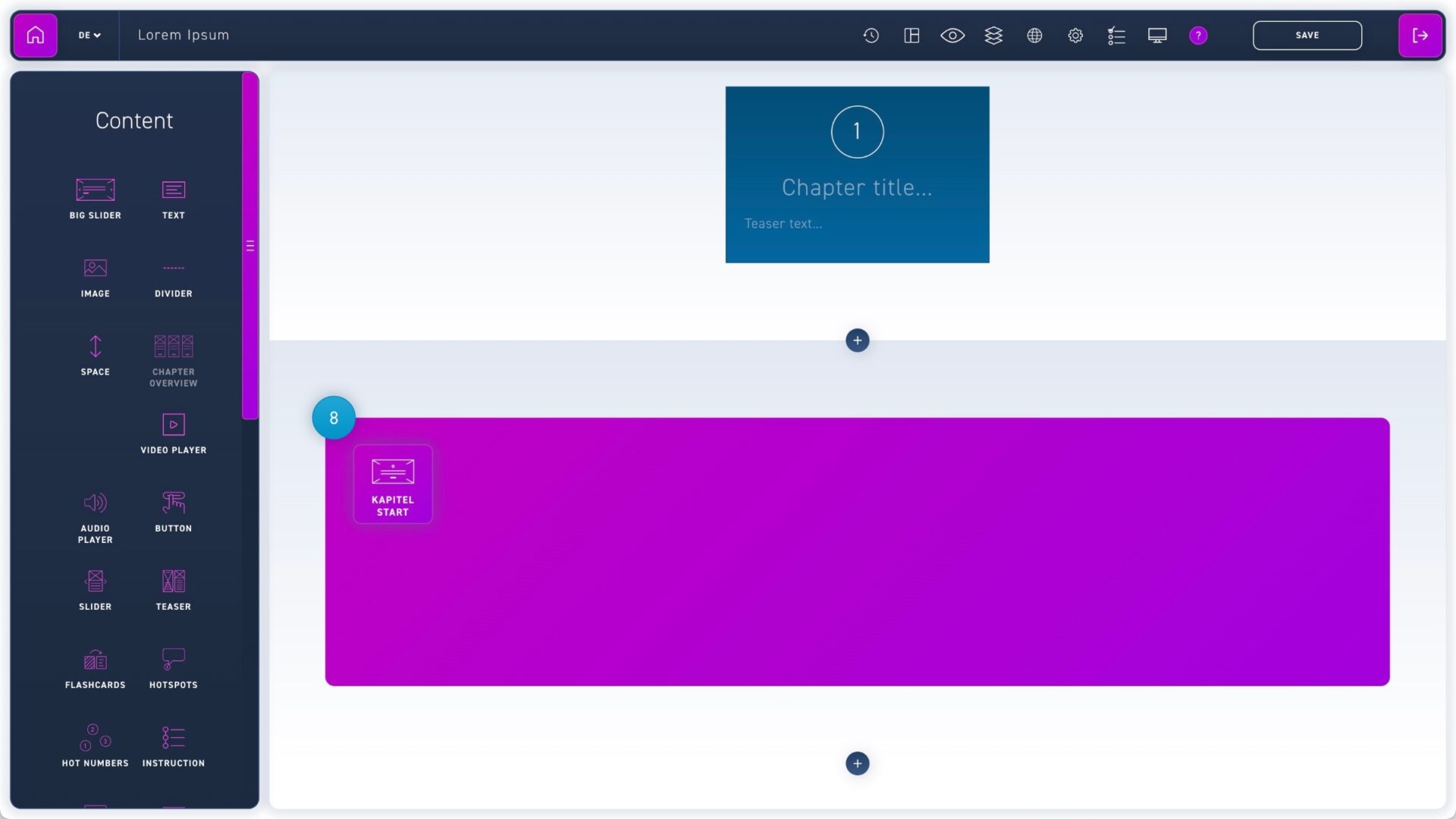
Drag the chapter start element to the place where you want the chapter to start. The contents and their order are automatically determined from the contents of the chapter overview element.