How can we help you?

Haven't got the manual to hand, misplaced it or lost it?
Then download it here conveniently and easily as a PDF.

Download PDF

Multilingualism

excelerate offers different possibilities to localize WBTs. Whether manually, with XLIFF files or automatic translation. Contents adapt themselves to the text lengths, so no further effort is required.

Watch a short video

Step by step

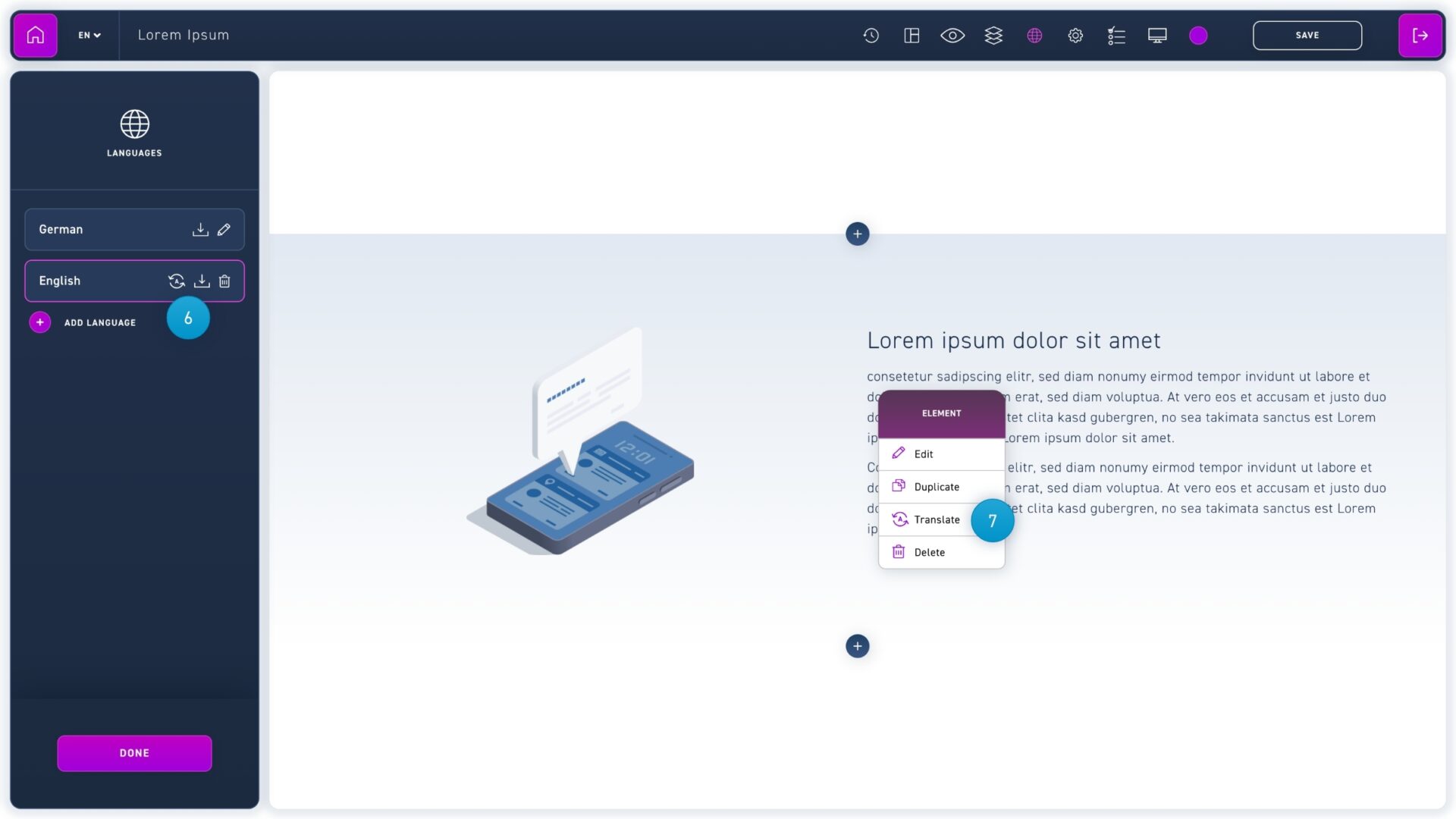
  1. Open the language menu via the globe icon in the menu bar.
  2. Your source language is displayed here. If you want to change it, click on the pencil icon. Click on the download icon to download an XLIFF file.
  3. To translate a WBT, first click on add language.
  1. Select your desired language from the drop-down menu.
  2. If you already have an XLIFF file for translation, select it using the upload XLIFF button.
  1. Iif you want to delete an added language, click on the trash can icon.
  2. You can either translate elements manually or right-click on them and select the translate option from the context menu.