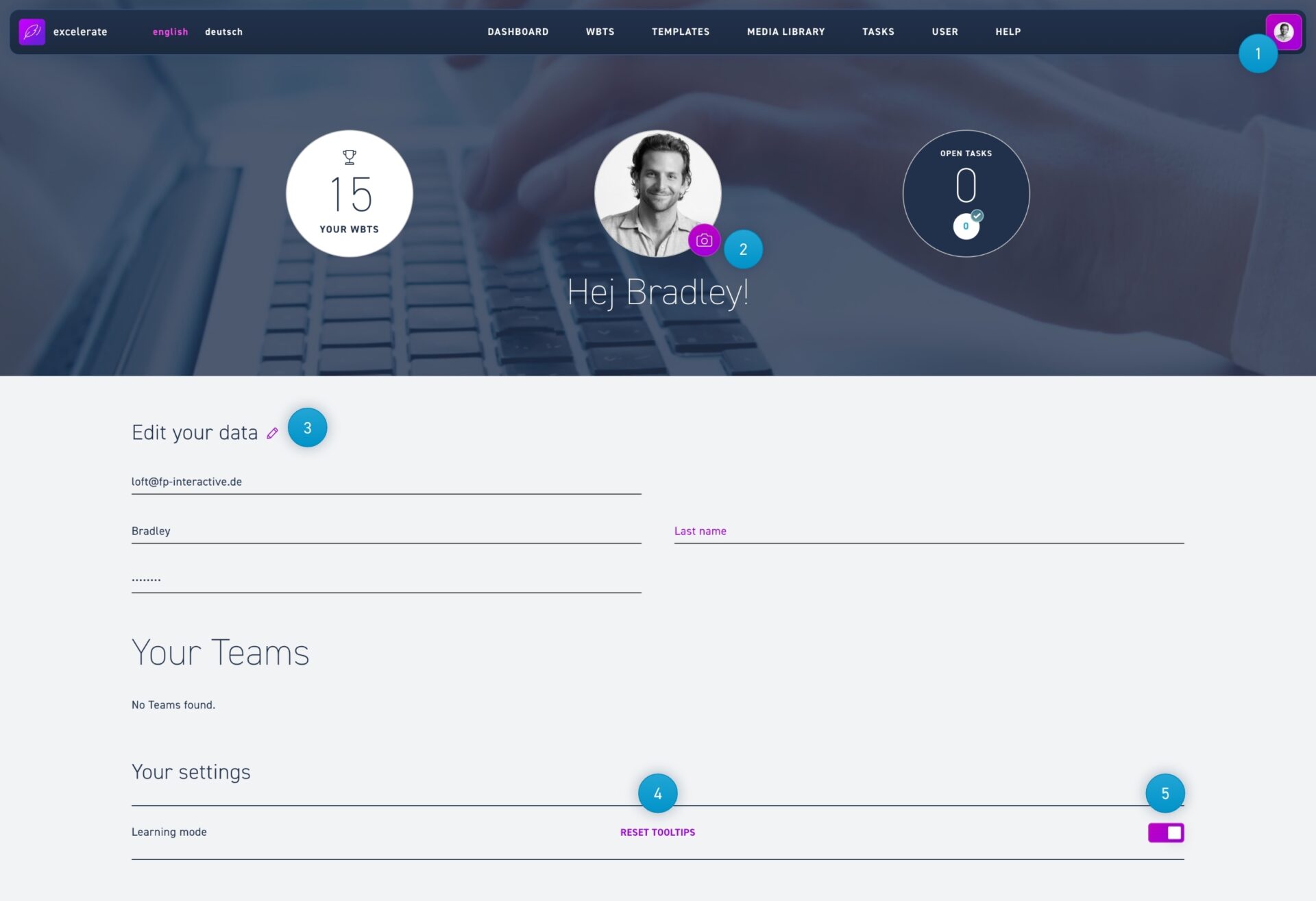
Click on the profile icon in the menu bar and select my profile. This is how you get to your user profile. Here you will find all information about yourself, as well as options for excelerate.
Click on the profileicon in the menu bar and select my profile.
Click on the camera icon to change your profile picture.
Click on the pencil icon to change your password.
Reset the tooltips to make them visible in the editor again.
If you want to turn off the tooltips, just click the toggle.